Last week we got to learn about image editing and what tools should we use to make the most out of our pictures.
Here are some useful words and their definitions that helped me understand more of the image editing lingo:
- pixels (px) – tiny square that has a specific color and is only seen when we zoom in
- dimensions – height and width of the picture. There are different dimensions of pictures, for example: portrait, landscape etc.
- resolution – details of the picture that allow to see it clear and in the best quality. It matters a lot when you try to change the size of the picture or print it.
There are two most common anf most recommended file formats:
- jpeg – most commonly used for photographs. It uses the lossy compression which has high quality with a large file size.
- png – used most often for graphics and illustrations, uses lossless compression with has higher quality than jpeg and has a bigger file size.
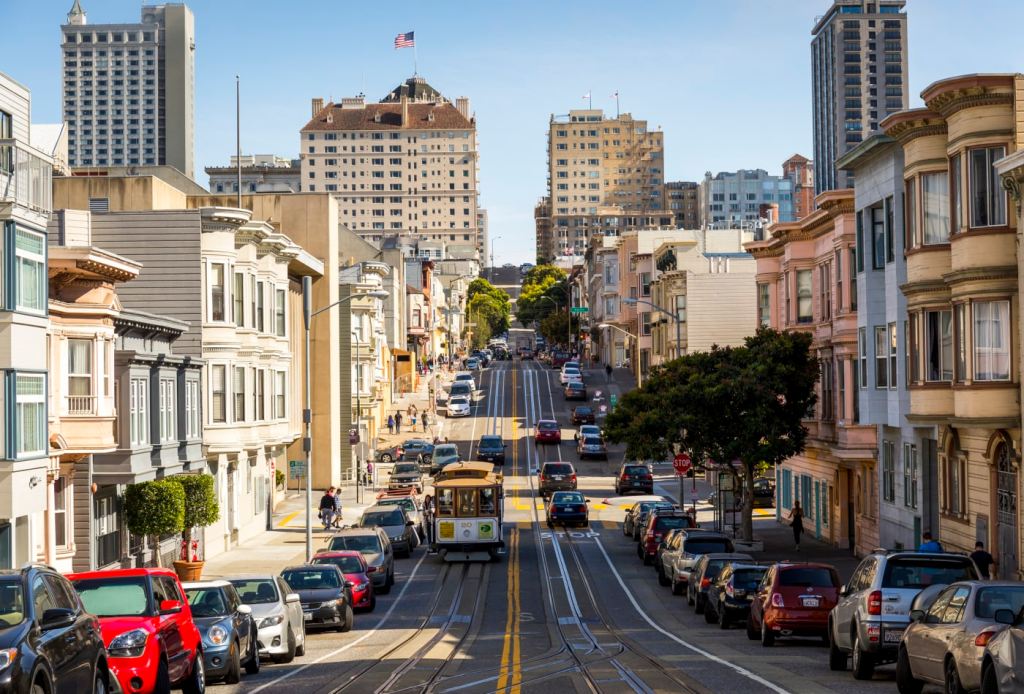
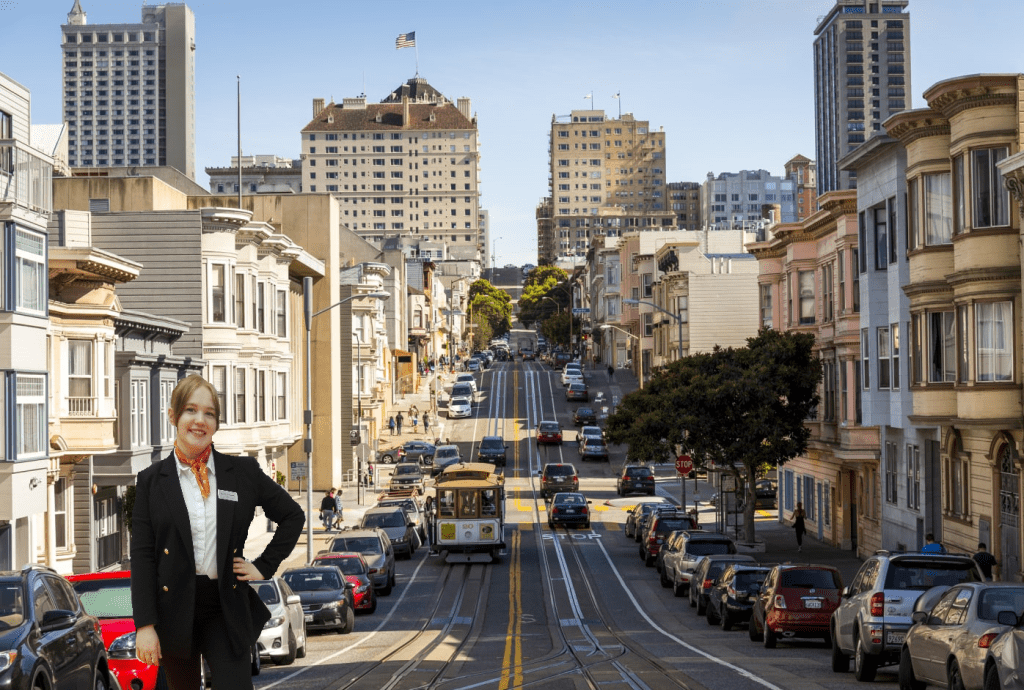
Here is an edit I made:
 Karolina's blog